

How to Shoot Wedding Videos in Collaboration with Video Editors
As a wedding videographer, your role extends beyond capturing beautiful moments on the big day. It also involves collaborating with video editors to transform your footage into cinematic masterpieces. To ensure a seamless editing process and create videos that truly shine, this blog post will provide you with valuable insights and practical tips. Read on to discover how you can shoot wedding videos that delight video editors and enhance your overall workflow.
Plan and Communicate: Start by communicating with your video editor early in the process. Discuss the style, tone, and specific shots you aim to capture. By aligning your vision with the editor's expectations, you lay the foundation for a successful collaboration.
Capture Adequate Coverage: To make the editing process easier, aim to capture a wide variety of shots. Film establishing shots of the venue, close-ups of the couple, and candid moments of the guests. This diversity will provide your editor with more creative options and ensure a dynamic final product.
Use Steady Footage Techniques: Smooth and stable footage is essential for seamless editing. Utilize stable camera equipment such as tripods, monopods, or gimbals to minimize shaky shots. Steady footage allows editors to focus on refining the visual narrative without being distracted by excessive camera movement.
Prioritize High-Quality Audio: While visuals are crucial, never overlook the importance of audio. Invest in quality microphones to capture clear and crisp audio during the ceremony, speeches, and key moments. Good audio quality greatly enhances the overall video and saves editors from having to spend excessive time fixing audio issues.
Organize and Label Footage: Maintaining an organized file structure and labeling your footage properly can significantly expedite the editing process. Create clear folders, name your files descriptively, and add relevant metadata. This systematic approach helps video editors quickly locate and work with specific shots, ensuring efficient post-production workflows.
Shoot with Editing in Mind: Consider how your shots will fit together during the editing phase. Capture transitional shots, such as wide shots of the venue or scenic views, to facilitate smooth scene transitions. Shoot sequences with continuity in mind, allowing editors to seamlessly piece together the narrative.
Provide Extra B-Roll: B-Roll footage is a valuable asset for video editors. Gather additional footage of the venue, decorations, and candid moments. This supplemental footage adds depth and context to the final video, giving editors more creative options and enhancing the overall storytelling.
Capture Details and Emotions: Don't forget to capture the intricate details and emotions that make each wedding unique. Focus on close-ups of the rings, decorations, and guests' reactions. These shots add an intimate touch to the final video and allow editors to craft compelling storytelling moments.
By following these tips, you'll not only create wedding videos that delight video editors but also optimize your post-production workflow. Effective communication, thorough planning, stable footage, high-quality audio, organized file management, and thoughtful shot composition are all crucial elements to consider. Embrace these practices to provide video editors with the necessary ingredients to transform your footage into timeless memories that couples will cherish for a lifetime.
Remember, shooting wedding videos that are video editor friendly not only enhances the final product but also helps attract potential clients who value efficient collaboration. Enjoy shooting!
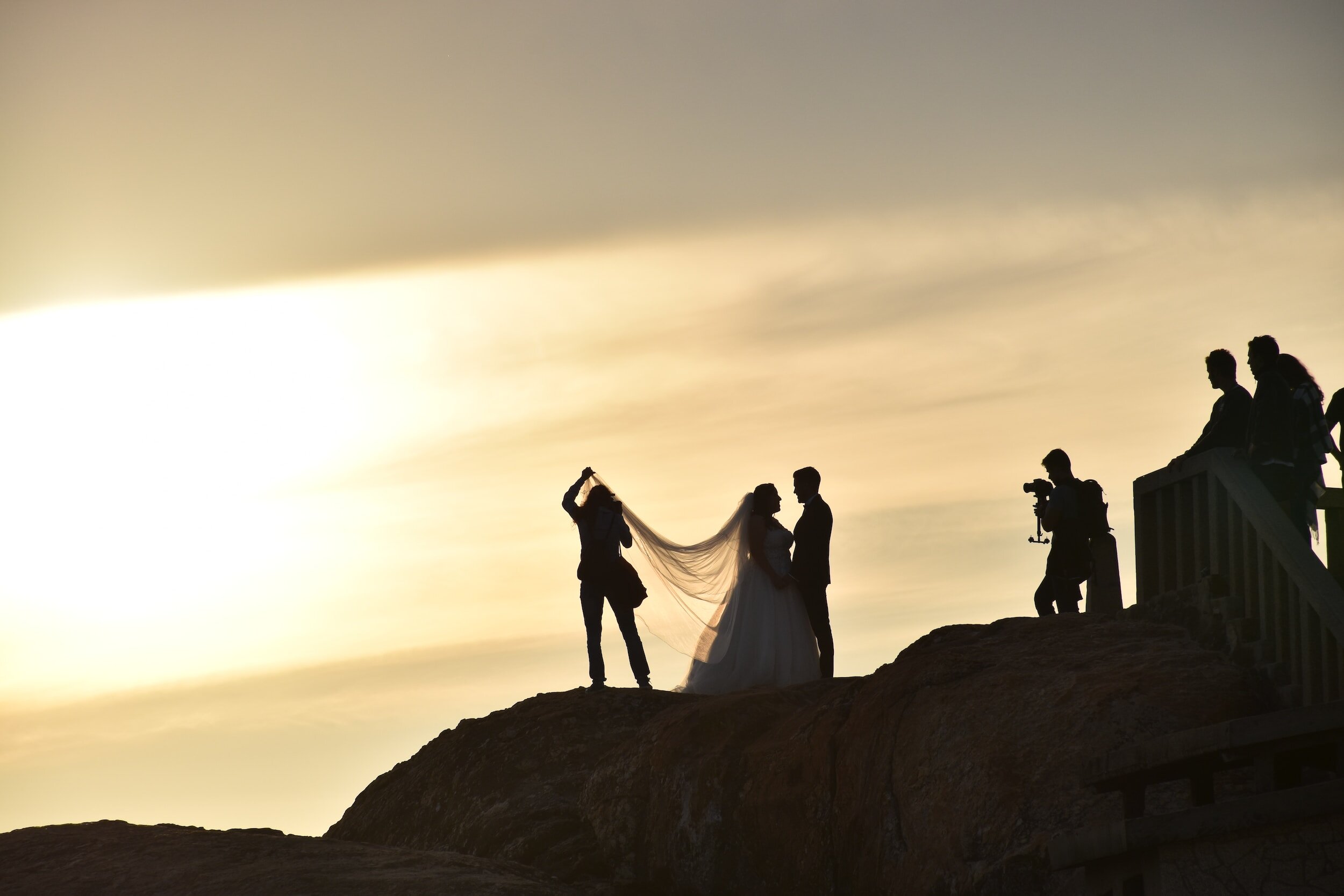
Shoot Wedding Videos in Collaboration with Video Editors
